
Product News

Follow LOYTEC on LinkedIn and Youtube


 

2021-02-08_12_39_07-Window.pngIn addition to the LOYTEC main video channel on YouTube we are proud to present our new YouTube channel: LOYTEC Tekkies

Every week we publish a new video showing how to work even more efficiently with LOYTEC products.
Benefit from the know-how of our experts and successfully implement solutions with LOYTEC products and subscribe now:
Tips & tricks of the week (playlist)


LOYTEC Tekkies Channel on YouTube - Tips & Tricks Videos

lstt8LOYTEC Tekkies YouTube-Kanal

In addition to the LOYTEC main video channel on YouTube we are proud to present our new YouTube channel: LOYTEC Tekkies

Every week we publish a new video showing how to work even more efficiently with LOYTEC products. 

Benefit from the know-how of our experts and successfully implement solutions with LOYTEC products and subscribe now: Tips & tricks of the week (playlist)

Stay in touch and subscribe to our YouTube channels!

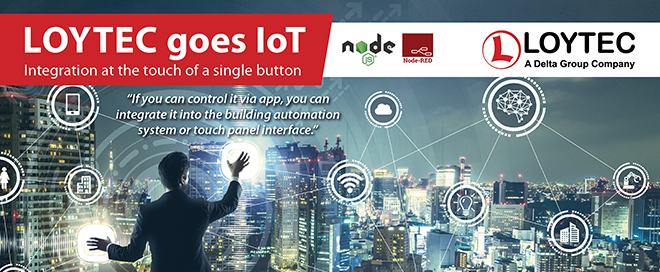
LOYTEC goes IoT - Integration at the Touch of a Single Button

iot landing en

"If you can control it via app, you can integrate it into the building automation system or touch panel interface."

With LOYTEC IoT integration can be achieved without complex programming skills!
Benefits of IoT integration in a nutshell:

  • Easy integration of multi-media equipment into the building control system (Video projectors, AV-Systems, etc.)
  • Uploading data to cloud services for further processing
  • Providing information via Web API (MQTT, RESTful API)
  • Integration of the Node-RED environment on controller level
  • Complete our new free training "IoT and Scripting" at LOYTEC Online Campus (register via This email address is being protected from spambots. You need JavaScript enabled to view it.).

Further information:

Light Library 3.0.2 Release

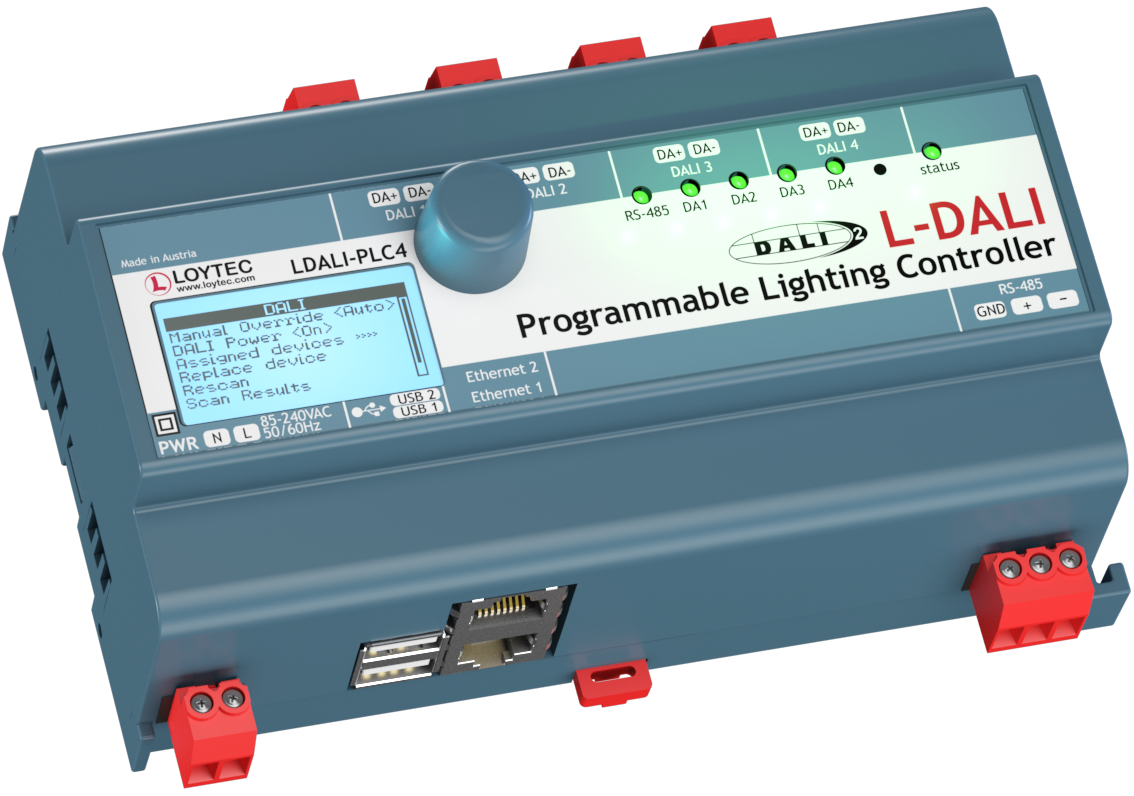
LOYTEC Light Library is now available. Please contact This email address is being protected from spambots. You need JavaScript enabled to view it. for further instructions.LDALI PLC4

The video tutorial shows basic steps on how to create a light application with the LDALI-PLC2/LDALI-PLC4 in L-STUDIO.